Turn learning challenges into experiences
Immersion should serve the learning objective.
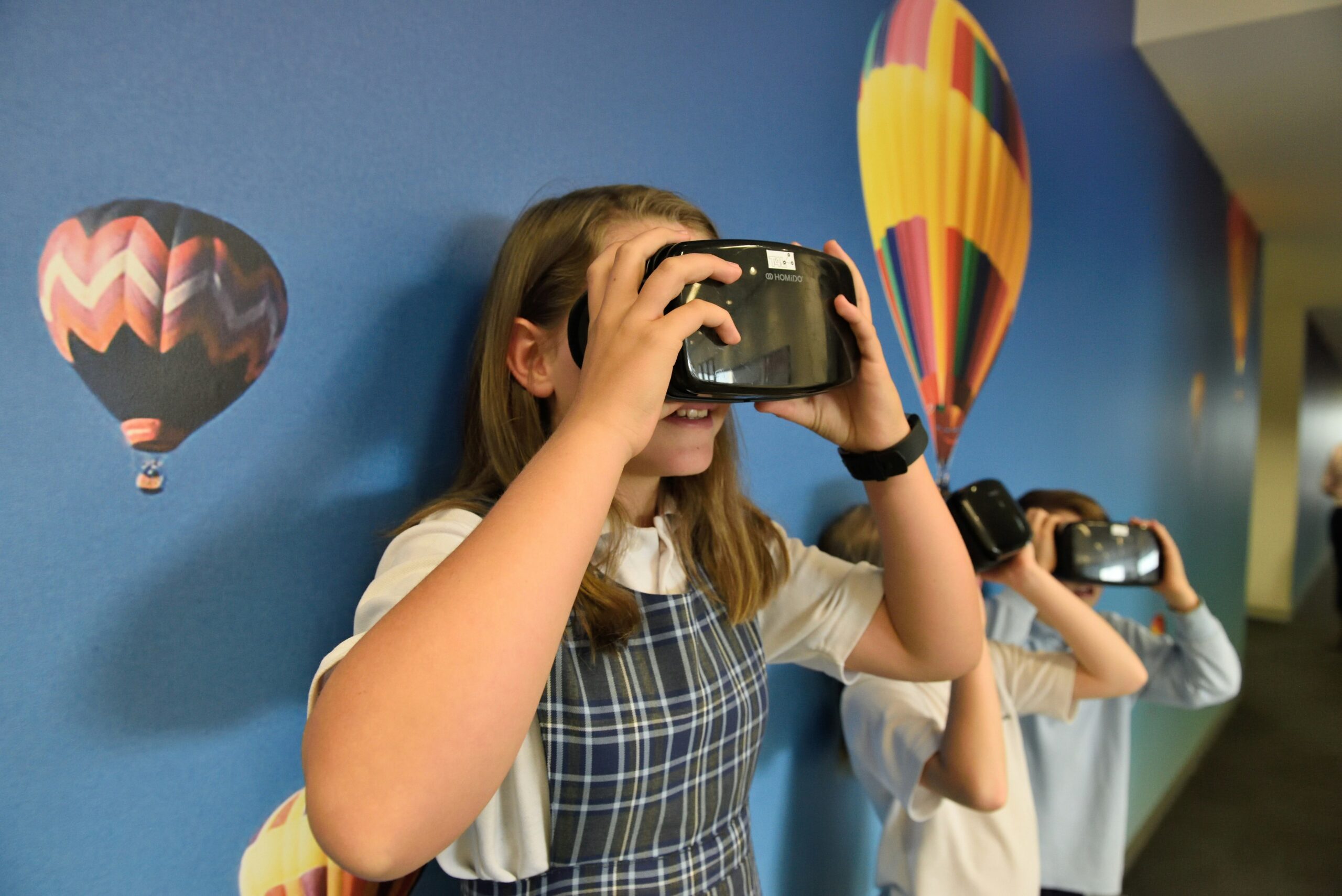
Virtual reality, augmented reality and interactive simulations can make complex ideas more tangible. They can help learners explore environments, practise decisions and engage with scenarios that would be difficult to reproduce during a conventional lesson.
Phoenix approaches immersive technology through its training and Erasmus+ educational experience. Together with project partners, we define the educational purpose, target audience, hardware constraints and facilitator role before choosing a technology or experience format.
When immersive learning adds value
Safe practice
Let participants explore decisions in controlled training scenarios.
Deeper perspective
Use places, stories and situations to support empathy and understanding.
Active participation
Give learners meaningful choices, feedback and opportunities to reflect.
Immersive experiences shaped around learners and environments.
Virtual Learning Environments
Guided VR environments for scenario exploration, orientation and educational storytelling.
360° Tours & Field Trips
Interactive place-based experiences, virtual visits and contextual learning resources.
Augmented Reality Activities
Digital layers and guided interactions linked to real spaces or educational material.
Skills & Safety Simulations
Scenario-based decisions and supervised practice aligned with vocational learning goals.
Branching Stories & Role-play
Interactive narratives that allow learners to consider alternatives and consequences.
Facilitator & Debriefing Tools
Reflection prompts, group activities and evaluation resources accompanying the experience.
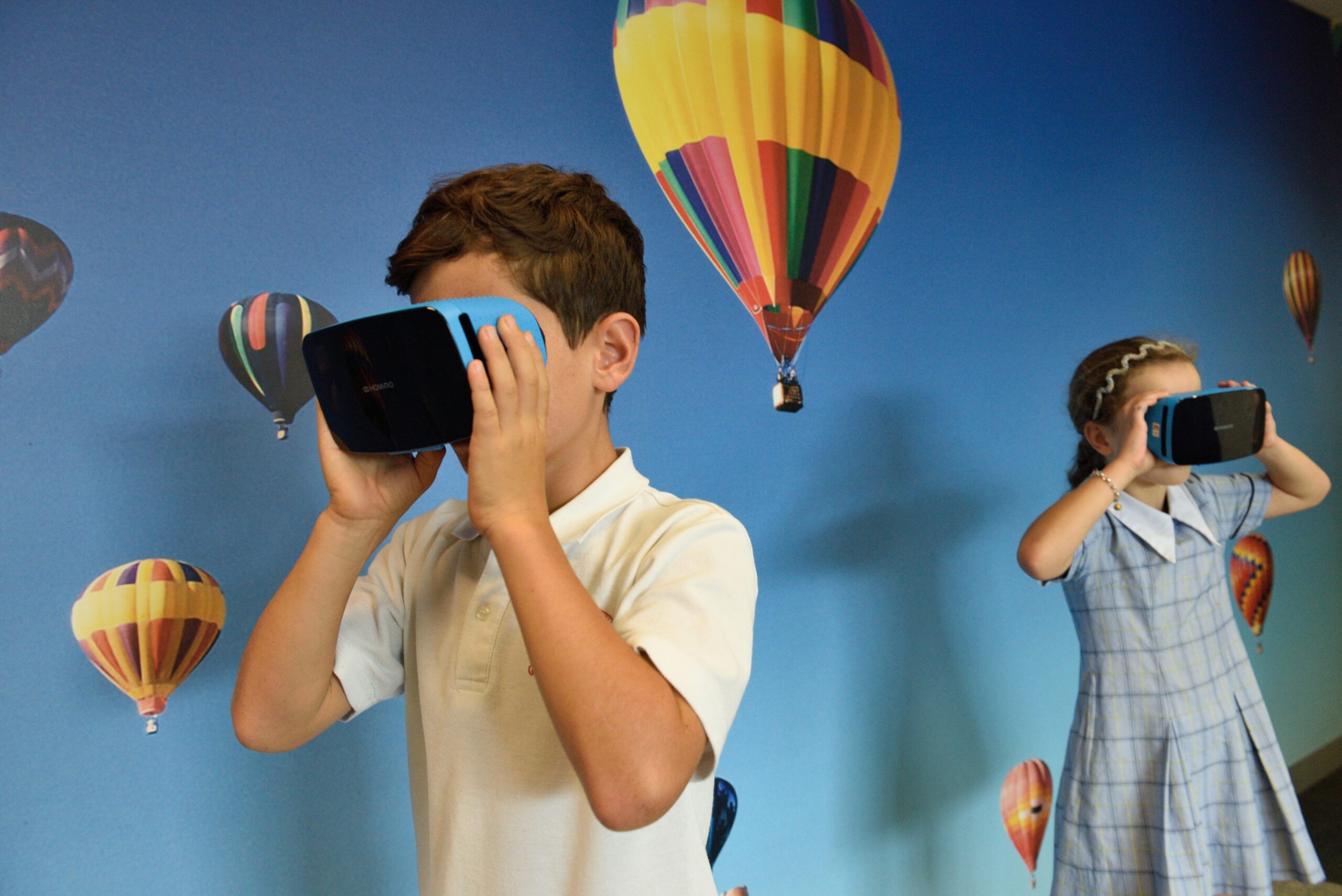
Learning through scenarios, not just spectacles
Practice, reflection and feedback are central to the design.
An immersive activity works best when its learning objective is clear: understanding a situation, rehearsing a procedure, improving communication or exploring another perspective. The experience is only one part of the learning process.
We can combine guided simulations with group facilitation, preparation activities and structured debriefing so the project output has a useful educational context.
- Branching choices connected to clear learning outcomes
- Facilitator introductions and guided tasks
- Accessible alternatives when headset use is unsuitable
- Reflection, observation and feedback tools
Choose the right level of immersion
Headsets are an option, not a prerequisite.
Some projects benefit from dedicated VR hardware; others are better served by 360° video, desktop simulations or browser-based interactive scenes. We explore accessibility, equipment, supervision, distribution and maintenance before deciding.
The partnership can then plan content production, testing with the actual target audience, and a sustainable route for using the material across organisations.
- Hardware and platform feasibility
- Comfort, supervision and accessibility considerations
- Multilingual narration and user guidance
- Deployment, licences and resource handover
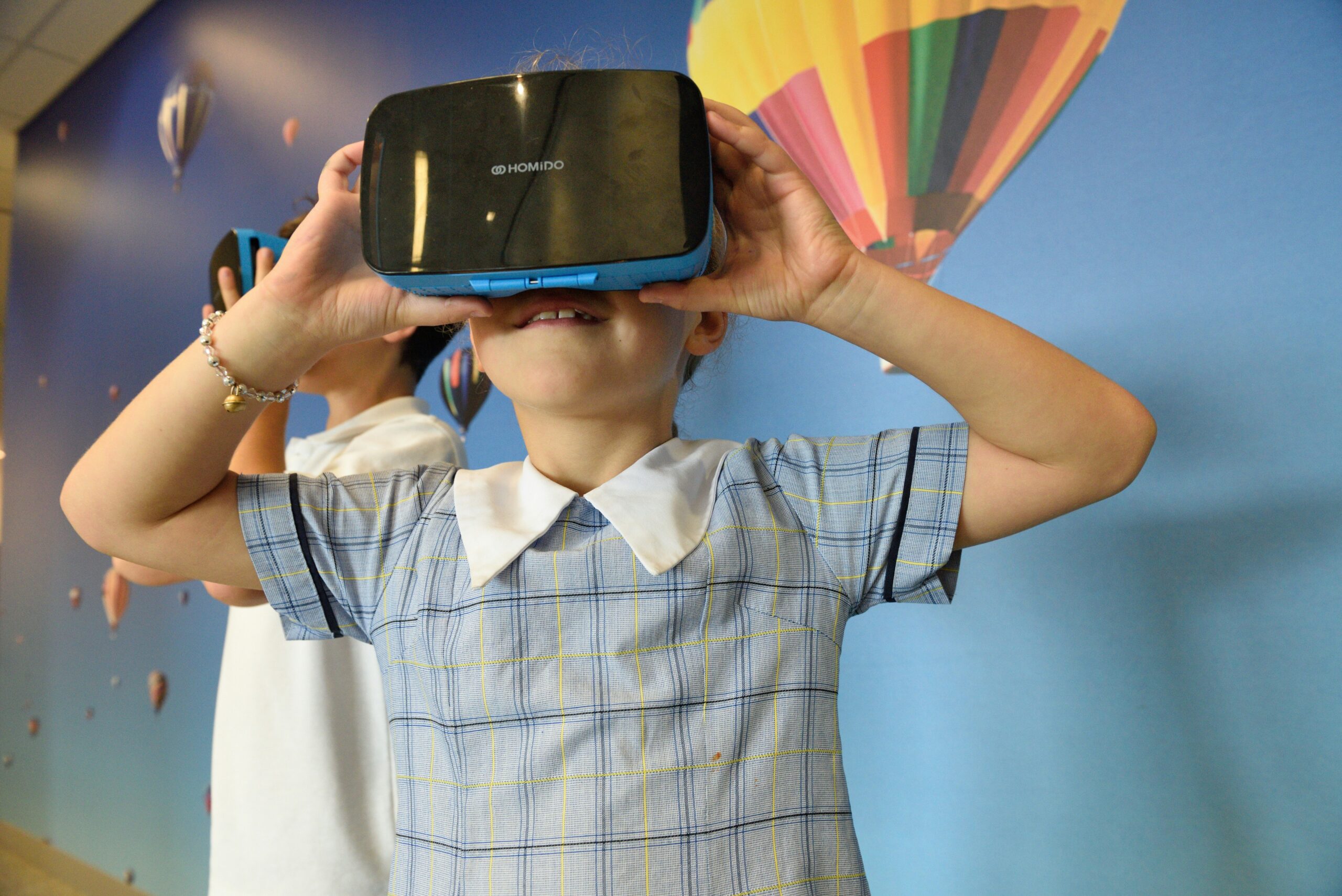
What partners could create together
These are example ideas, not claims about previously completed Phoenix products.
VET workplace simulation
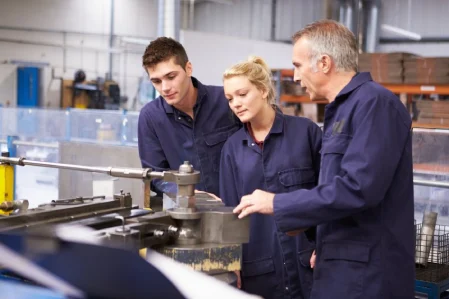
A guided practical scenario where trainees consider safety, communication and job-specific choices.
European cultural heritage journey
An interactive 360° resource connecting place-based exploration with educational activities.
Inclusion and empathy scenario
A facilitated branching experience addressing communication, bias or social exclusion.
A collaborative development process
Educational insight, technical delivery, piloting and sustainability—planned together with project partners.
Define the educational scenario
Clarify objectives, environment, learner decisions and facilitator support.
Storyboard and prototype
Test interaction flow and visual language with project partners.
Produce and validate
Build an appropriate experience and gather feedback from the intended users.
Train facilitators
Provide instructions, debriefing material and realistic sustainability planning.
Accessible immersion and responsible facilitation
Not every learner can or wants to use a headset. We consider alternatives, motion comfort, supervision, equipment access and resource licensing so immersive activities remain educationally useful and inclusive.
Comfort & Safety
Consider motion sensitivity, breaks and supervised use where appropriate.
Accessible Alternatives
Provide equivalent educational routes for participants unable to use VR.
Facilitator Readiness
Support educators with session plans, prompts and debriefing resources.
Practical Distribution
Plan equipment, multilingual content and long-term accessibility of outputs.
Questions from project partners
Practical answers for educators, coordinators and organisations exploring a digital project.
Is VR always required for an immersive project?
No. Browser-based 3D, 360° imagery, augmented reality and branching storytelling may be more suitable for a particular audience or budget.
Can immersive technology support vocational training?
It can support scenario practice, orientation and reflection where the learning objective and content are appropriate.
What if learners cannot use headsets?
We can plan accessible alternatives and non-headset interactions from the beginning.
How can project partners deliver the activity?
We can consider facilitator guides, equipment instructions, training and reusable debriefing materials as part of the planned output.
Considering an immersive educational project?
Education, international cooperation and EduTech—working together.
Bring the learning objective and target group; we can explore with your partners whether VR, AR or a simpler interactive experience is the right tool for meaningful educational results.
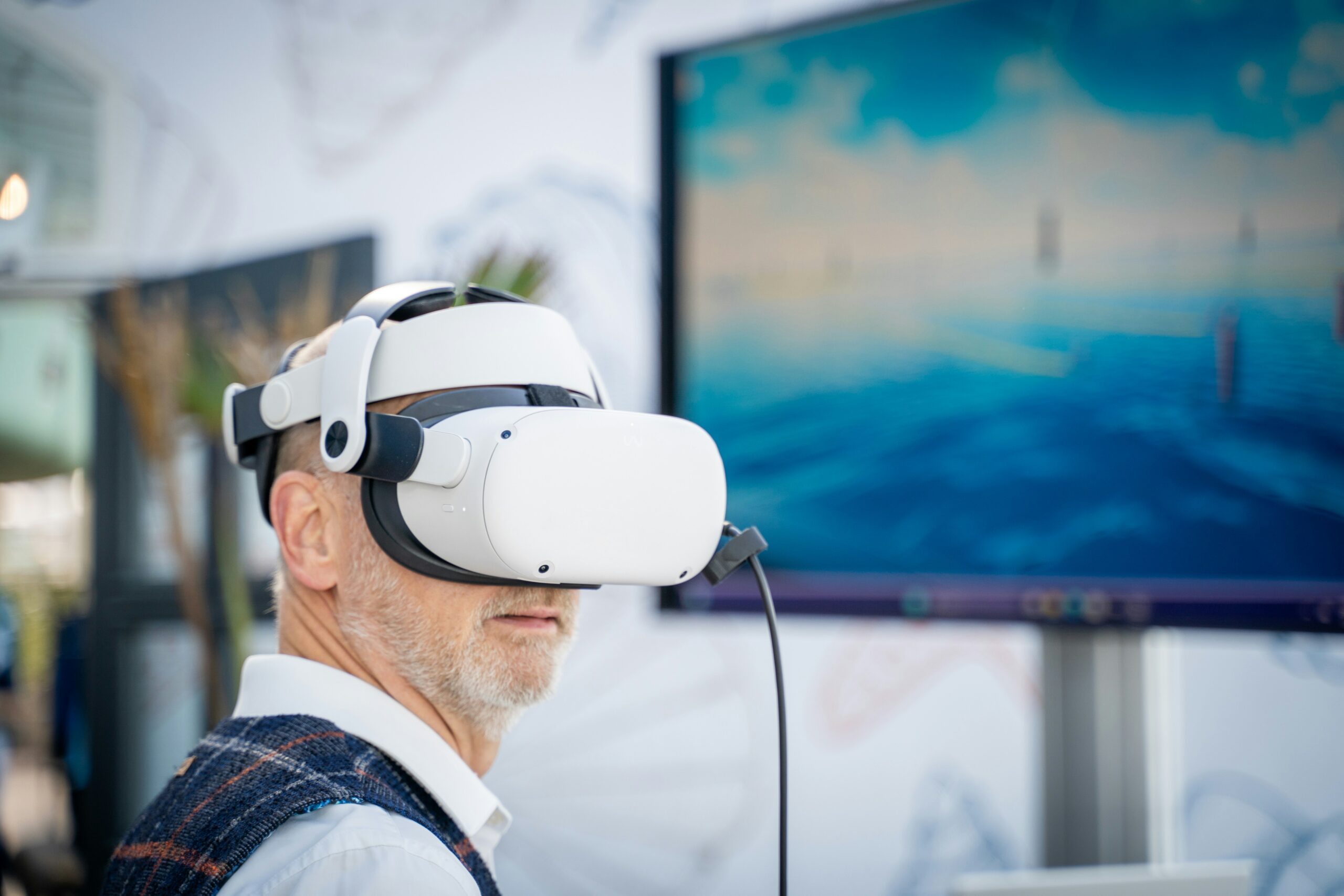
Connected services for connected learning
Mobile Learning
Helpful digital experiences for learners, educators and mobile project teams.
AI in Education
Practical artificial intelligence that supports educators and empowers learners.