

Useful learning, wherever participants are
Small screens. Practical experiences. Lasting connections.
Learning does not stop when a workshop ends or a participant travels to another city. Mobile experiences can connect people with guidance, resources, activities and their learning community throughout an educational project.
Phoenix combines hands-on international mobility and Erasmus+ training experience with mobile product development. We explore whether a native app, cross-platform application or progressive web app offers the right experience for the audience, budget and operating context.
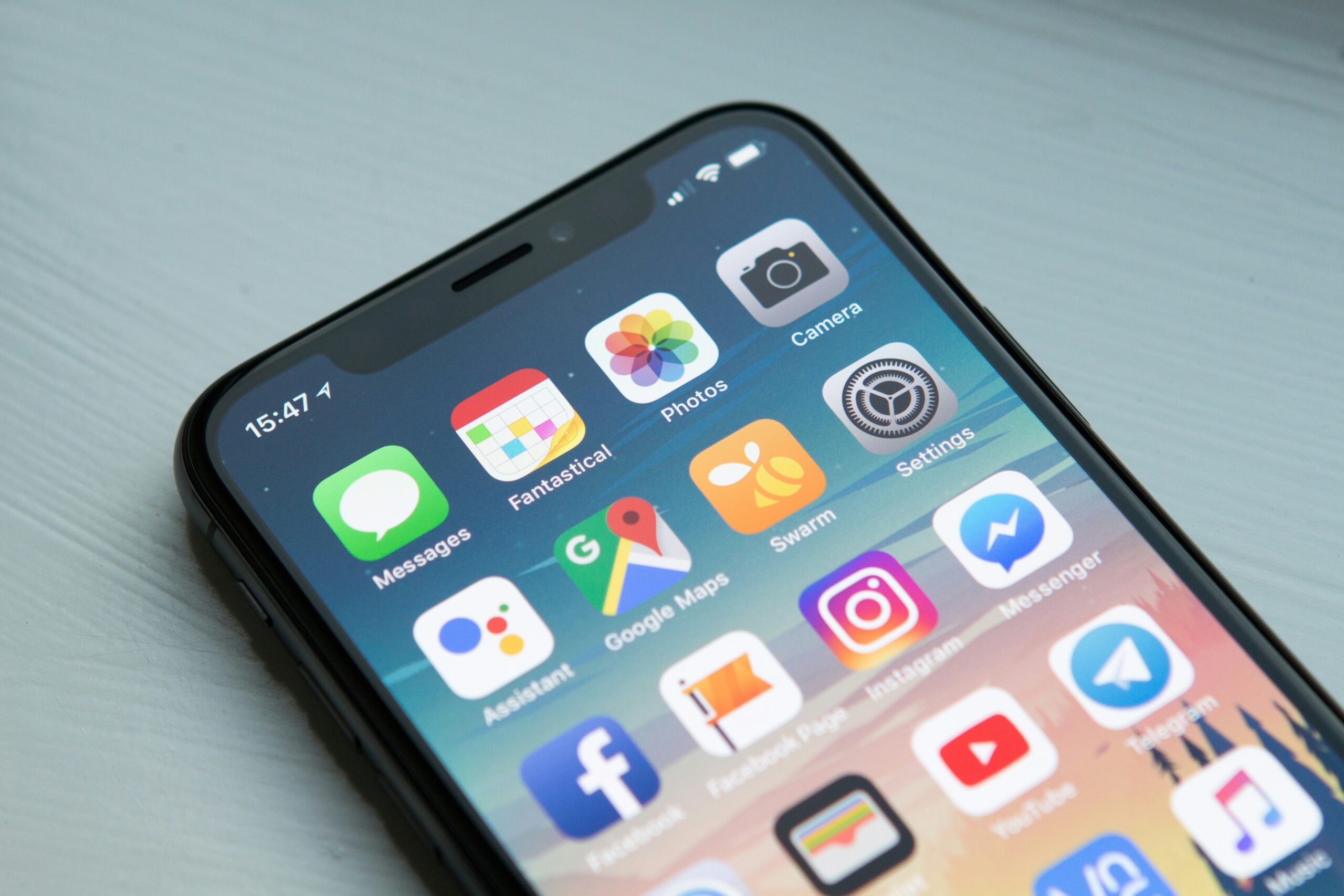
Mobile tools that support real activities
Before an activity
Share orientation, preparation and essential learning resources.
During participation
Connect schedules, interactive exercises, local information and reflection.
After the event
Keep resources and follow-up learning accessible for continued development.
From participant companions to interactive learning applications.
Mobility Companion Apps
Project schedules, orientation material, local guidance and useful participant resources.
Microlearning Experiences
Short lessons, quick practice activities and self-checks designed for a mobile screen.
Interactive Activities
Scenario questions, reflection journals, tasks and location-aware experiences where appropriate.
Notifications & Updates
Opt-in reminders, important announcements and content updates for relevant activities.
Feedback & Participation
Accessible feedback, event reflection and engagement tools tailored to the learning goals.
Offline-Aware Access
Selected resources and workflows designed for intermittent connectivity when feasible.

A companion to the whole mobility journey
Support participants without fragmenting the experience.
International learning activities involve many moving parts: preparations, programme updates, unfamiliar locations, resource sharing and reflection. A thoughtfully scoped app can bring the right information together in one accessible place.
Phoenix understands the educational and organisational context of mobility programmes, which helps us identify where a digital tool genuinely reduces friction and where simpler solutions work better.
- Programme itineraries and learning-session details
- Guidance, meeting information and local resources
- Participant reflections and activity feedback
- Communication links and resource collections
Interactive content designed for a phone
Mobile-first does not mean educationally shallow.
Mobile apps can make short learning activities, practice exercises and storytelling accessible in everyday contexts. We design them around a focused set of user journeys instead of replicating a desktop platform in miniature.
Where connectivity, installation requirements or maintenance costs are concerns, a progressive web app may be an effective alternative to separate app-store releases.
- Short lessons and clear progress indicators
- Accessible touch interactions and readable layouts
- Quizzes, prompts and branching exercises
- Thoughtful notifications and user-controlled settings

What partners could create together
These are example ideas, not claims about previously completed Phoenix products.
Mobility participant guide
One place for preparation, schedules, learning resources and reflection during international activities.
Youth digital citizenship app
Bite-sized scenarios addressing online safety, inclusion and responsible digital behaviour.
Teacher practice toolkit
Portable activities, classroom prompts and resources that educators can adapt after training.
A collaborative development process
Educational insight, technical delivery, piloting and sustainability—planned together with project partners.
Map real user moments
Identify when and why participants will use the app.
Choose the right platform
Compare web app, cross-platform and native delivery based on requirements.
Prototype mobile journeys
Validate navigation, readability, content and activity flows with users.
Release and sustain
Plan content updates, app-store responsibilities where relevant and long-term support.
Mobile usability should work beyond the demonstration
We look at accessibility, screen size, device availability, connectivity and the ownership of future updates. A project app needs a realistic plan for maintenance and continued relevance once the initial launch has passed.
Cross-device usability
Practical experiences on commonly used mobile devices and screen sizes.
Offline considerations
Identify content that should remain available with poor connectivity.
Data minimisation
Collect only information required by the project’s intended activities.
Maintenance readiness
Plan operating-system changes, content updates and application ownership.
Questions from project partners
Practical answers for educators, coordinators and organisations exploring a digital project.
Do all projects need a native iOS and Android app?
No. A progressive web app or responsive website may provide the same educational value with simpler distribution and maintenance.
Can the app support an Erasmus+ mobility?
Yes. We can explore resource access, programme schedules, location guidance, learning activities and participant reflection as one coordinated experience.
Can participants use features offline?
Selected content and activities can be designed for offline-friendly access where the selected technology and requirements permit.
Who maintains the application afterward?
We define administrative ownership, technical maintenance, stores or hosting, and content responsibilities with the project partners.
Have an idea for a mobile learning experience?
Education, international cooperation and EduTech—working together.
Share the activity, learners and project setting. Phoenix can explore how a mobile-first product complements the wider training, mobility and educational outcomes of your partnership.

Connected services for connected learning
Learning Platforms
Learning environments built around people, progress and meaningful outcomes.
Immersive VR & AR
Explore, practise and understand through interactive experiences.